

Hey, Rahul here! 👋 Each week, I publish long-form ML+AI posts covering ML, AI, and System design for MLwhiz. Paid subscribers also get how-to guides with full code walkthroughs. I publish occasional extra articles. If you’d like to become a paid subscriber, here’s a button for that:

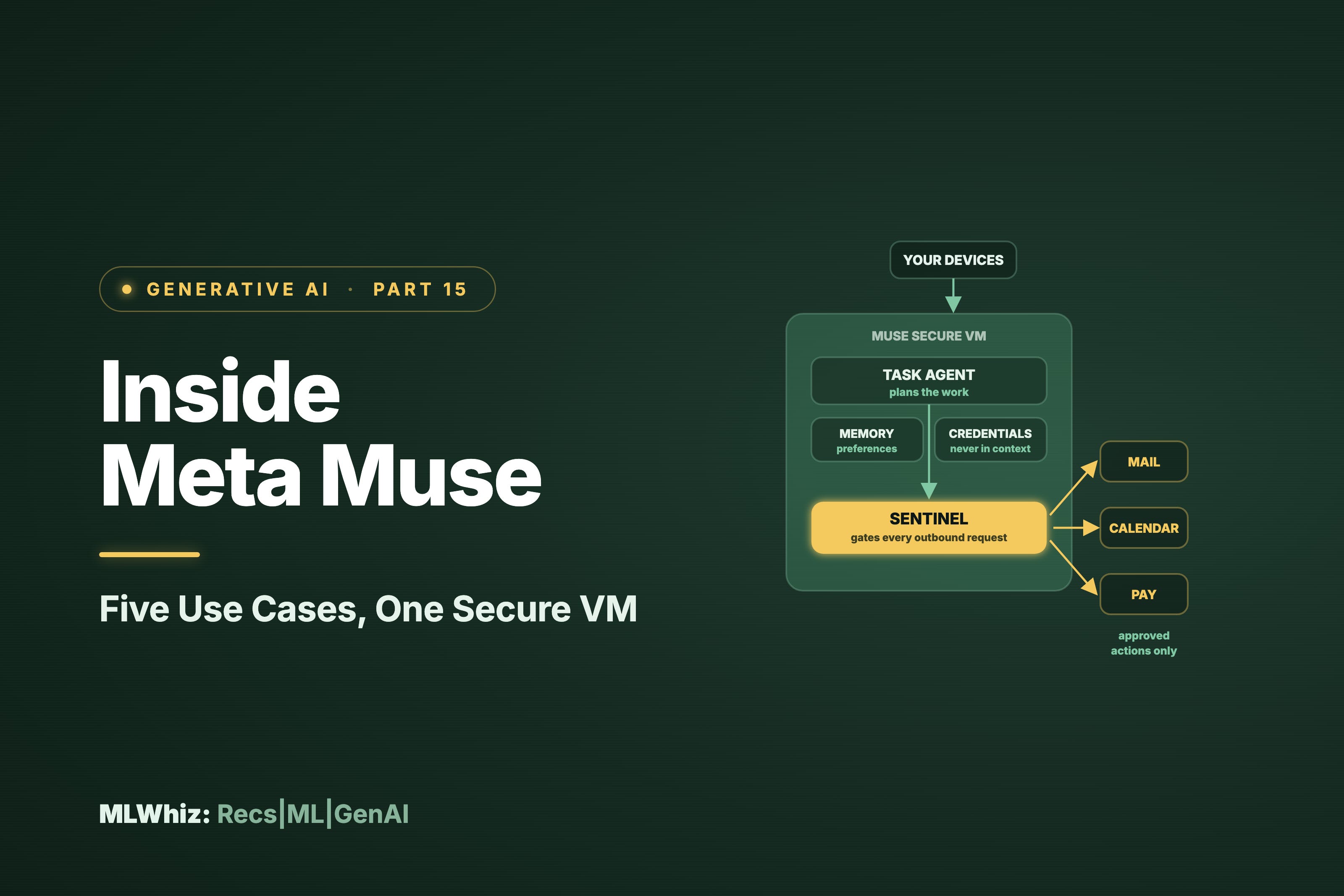
The first real thing I asked Muse to do was go through my Gmail and tell me what I actually owed people.
I wanted it to work out which threads were waiting on me, which ones I had already handled, and which ones had quietly gone cold while I told myself I would get to them. It went away, came back, and handed me a list. Then it asked whether it should start drafting the replies.
I sat on that question for a second longer than I expected to, and that pause is the reason I am writing this post. Every assistant I have used before this one ends at the list. You get a good answer, and then you go and do the work yourself. Muse was offering to do the work, and the moment software can act on your accounts instead of advising you about them, the engineering underneath it stops being a curiosity and starts being the thing you need to understand before you hand over your passwords.
But before we get to the innards of Muse, let’s first just look at how you can get Muse to work in a region, it has not launched yet.
0. Getting set up: VPN and WhatsApp
Muse has been live in the US since 8 September, Canada since 18 September, and Mexico. The UK and EU have no announced date. I have been using it from the UK through a VPN into a supported region, and that works fine for getting into the app. And I don’t need a VPN every time I talk to it. Just at the first setup time. So, the way it works is:
Connect to a US VPN
Go to muse.ai.
Log in with your Facebook account.
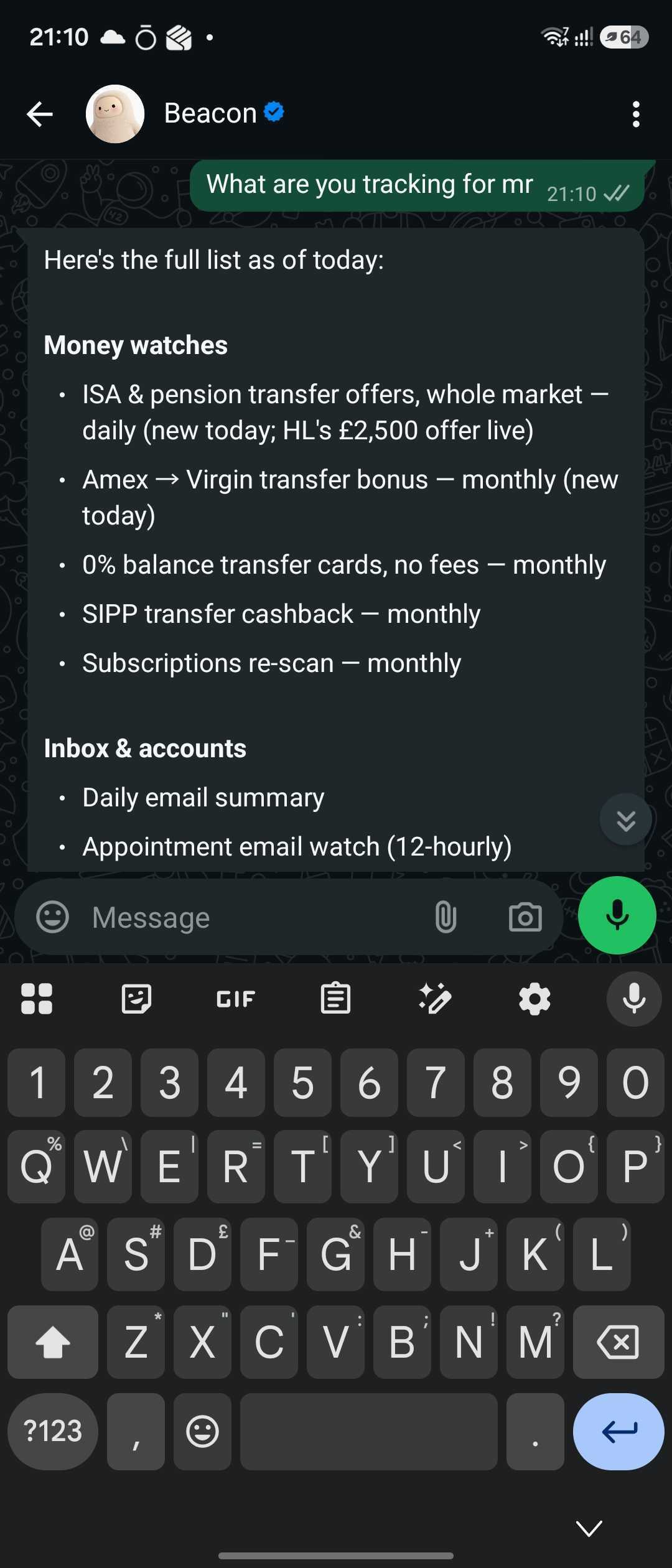
Then put it in WhatsApp. This is the single change I would tell anyone to make on day one. Muse is reachable from the app, from muse.ai, and directly inside WhatsApp, and WhatsApp is the surface worth defaulting to. My Muse agent is called Beacon
Giveaway: 1 billion free tokens to start with
Meta runs an invite program, and I have codes to give away.
