

Hey, Rahul here! 👋 Each week, I publish long-form ML+AI posts covering ML, AI, and System design for MLwhiz. Paid subscribers also get how-to guides with full code walkthroughs. I publish occasional extra articles. If you’d like to become a paid subscriber, here’s a button for that:


Let me admit something upfront → there is always a small, mildly annoying blocker before picking up a new tool.
That little <do I really want to learn yet another thing?> feeling — even when half of LinkedIn is screaming that you must.
I felt it with Claude Code. I had it installed on my machine for two full weeks before I actually sat down to use it. And when I finally did, the first hour was a lot of reading docs, clicking “yes” to prompts I did not understand, and wondering if this was genuinely going to pay off or if I had just given another AI tool access to my filesystem.
Here is the thing about Claude Code, though. The hello-world is easy.
You npm install, you type claude, you ask it to fix a bug, it fixes the bug. You feel clever. Then you look at the docs and you feel lost. Are you making the most out of it?
This is so confusing. Which of this actually matters? And which of it can you safely ignore for now?
I’ve been using Claude Code daily for months since that slow start, and in the first week I made every setup mistake I could. I clicked “yes” to permission prompts a thousand times before I realized acceptEdits and dangerously-skip-permissions existed. Racked up a $200 API bill before I discovered the Max plan can be used to login as well. Ended up starting forty-something terminal claude sessions which got lost as I didn’t know claude -c was a thing.
This post is the shortcut I wish someone had handed me in week one — an opinionated setup that gets you from “I installed it” to “I actually use this daily” in a weekend. The 20% of the surface area that delivers 80% of the value. Plus honest opinions on which features are worth your time and which ones you can skip.
The official docs are great if you want the full feature dump; this is the opposite of that.
Let’s dive in.
1. What Claude Code Actually Is (And What It Isn’t)

Before we install anything, let’s get the mental model right. This is the single most common reason people bounce off Claude Code in the first hour.
Claude Code is not a VS Code extension that autocompletes your code. It is not a chat sidebar. It is not Cursor or Copilot. Yes, it has a VS Code integration, but the integration is a thin window over a CLI tool that runs in your terminal.
What Claude Code actually is: an agentic CLI. You run claude in your terminal, you tell it what you want in plain English, and it then reads files, writes files, runs bash commands, executes your tests, browses the web, calls APIs, and keeps iterating until the task is done. You watch it work, you can interrupt at any point, you can steer.
Think of it less like autocomplete and more like pair-programming with a junior developer who types fast, never gets tired, sometimes goes off the rails, and occasionally needs a hard “no, do not do that.”
That loop above — shown in the diagram at the start of this section — is the whole product. Read, think, act, observe, repeat. Your job is to give it good context up front and steer when it drifts.
If this sounds familiar, it should — I wrote about my first dance with vibe coding using Claude Pro a while back. Claude Code is what happens when that same loop moves out of a chat window and into your actual terminal, with access to your actual files and your actual tests.
And it is not a small thing. As of February 2026, roughly 4% of all public commits on GitHub were authored by Claude Code — about 135,000 commits per day. Anthropic itself says 90% of their internal code is now AI-written. ServiceNow has 29,000 daily users on it. This is not a Twitter fad. This is real and this is here to stay.
The question is no longer “is this useful.” The question is how you go from “I installed it” to “I actually use it well.” Which is the rest of this post.
Anyone still calling this “autocomplete” has either not used it, or has not been paying attention.
2. Install and Get Logged In
Installation is genuinely a one-liner now.
npm install -g @anthropic-ai/claude-codeYou need Node 18 or newer. That is the whole prerequisite list.
Open a terminal and Run claude in any directory. The first time, it walks you through login. You get two choices: a claude.ai account (Pro or Max plan) or an API key from the Anthropic Console. Pick the first one if you are a human writing code daily. Pick the second one only if you have a specific reason — Bedrock, Vertex, headless CI, Corporate use and that kind of thing.
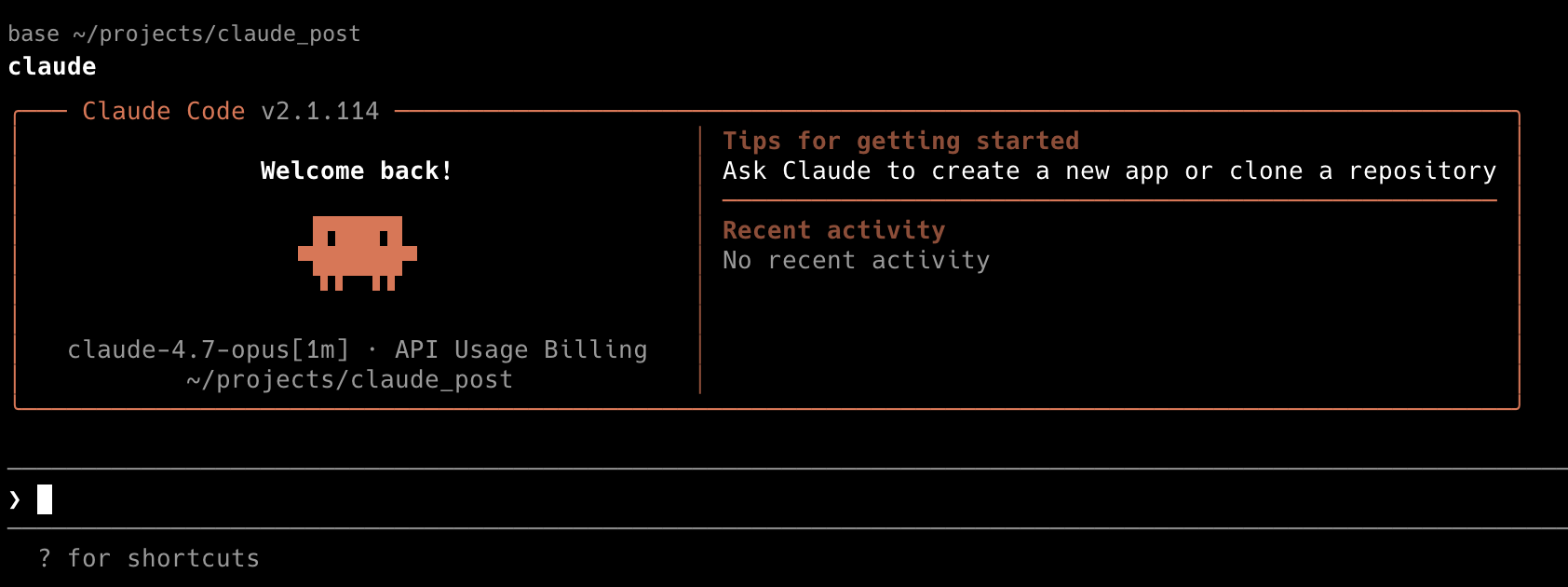
Pricing reality check: Max plan is $100 a month for individuals, $200 a month for teams. A typical 30-to-60-minute Claude Code session costs roughly $0.50 to $3.00 on the API. Do that math for yourself. If you are coding even a few hours a day, Max is the cheaper option, and it gives you Opus access without rate-limit anxiety.
If you want my full breakdown of how the AI subscriptions compare across coding, research, and general use, I broke it down here.
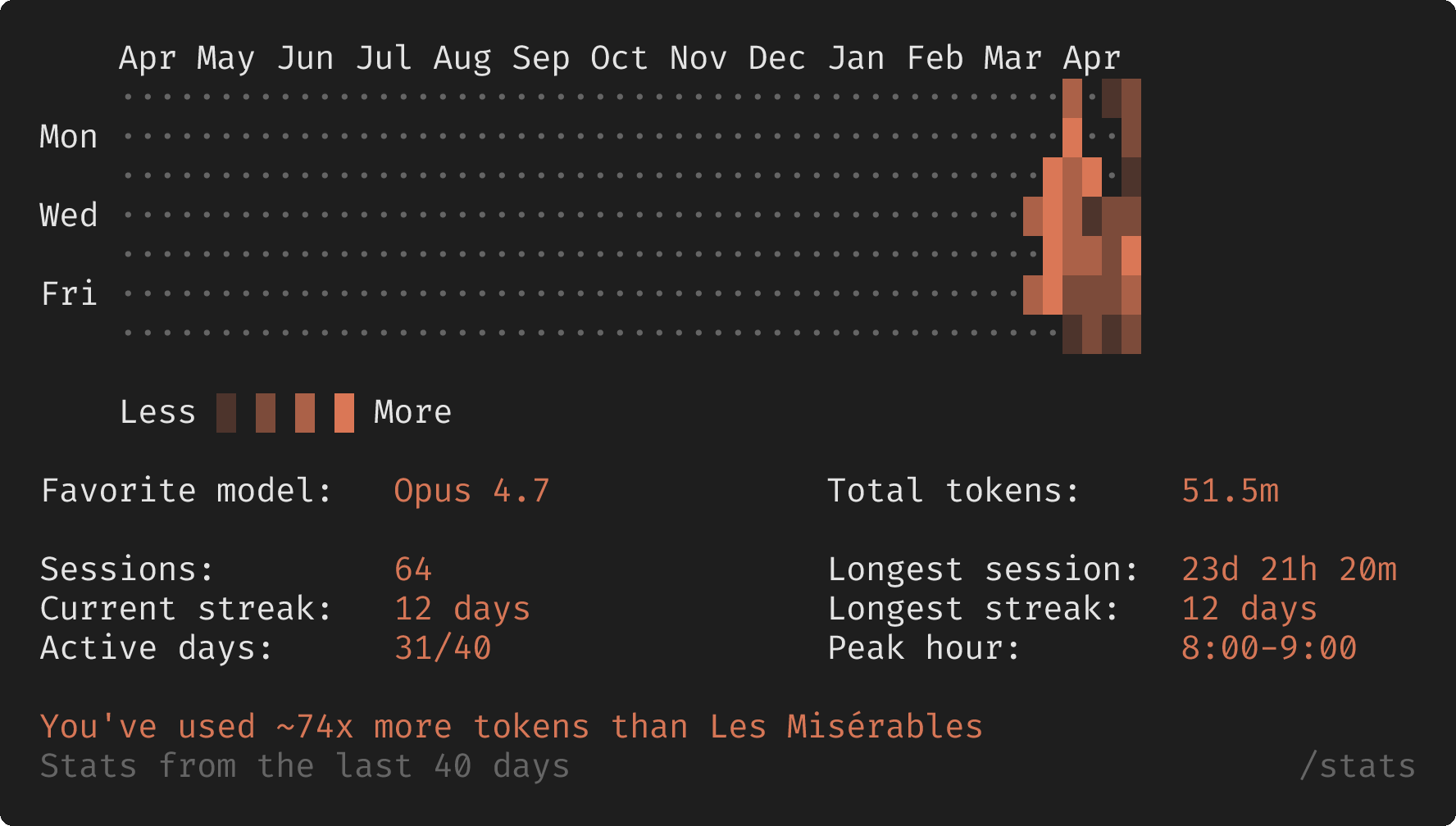
Once you are in, run /status to see which settings are active and how many tokens you have used up. We will come back to that command when things get weird.
3. CLAUDE.md — The One File You Have to Write
If you only learn one thing from this entire post, learn this.
CLAUDE.md is a markdown file at the root of your project. Every time you start Claude Code in that directory, the contents of this file get loaded into the conversation automatically. Think of this file as your project’s onboarding document — except the onboardee shows up every single session and reads it cover to cover.
This is where you tell Claude things like → what the project does, which command runs the tests, what the build tool is, conventions the team follows, paths it should never touch, and the gotchas.
Here is a real-world CLAUDE.md for a Python data science project, slightly trimmed:
